Band Coach is a single HTML file that coaches you while you practice. Download it, open it in a browser, and allow the microphone or connect a MIDI keyboard. It is free, needs no account and installs nothing.
What practice looks like
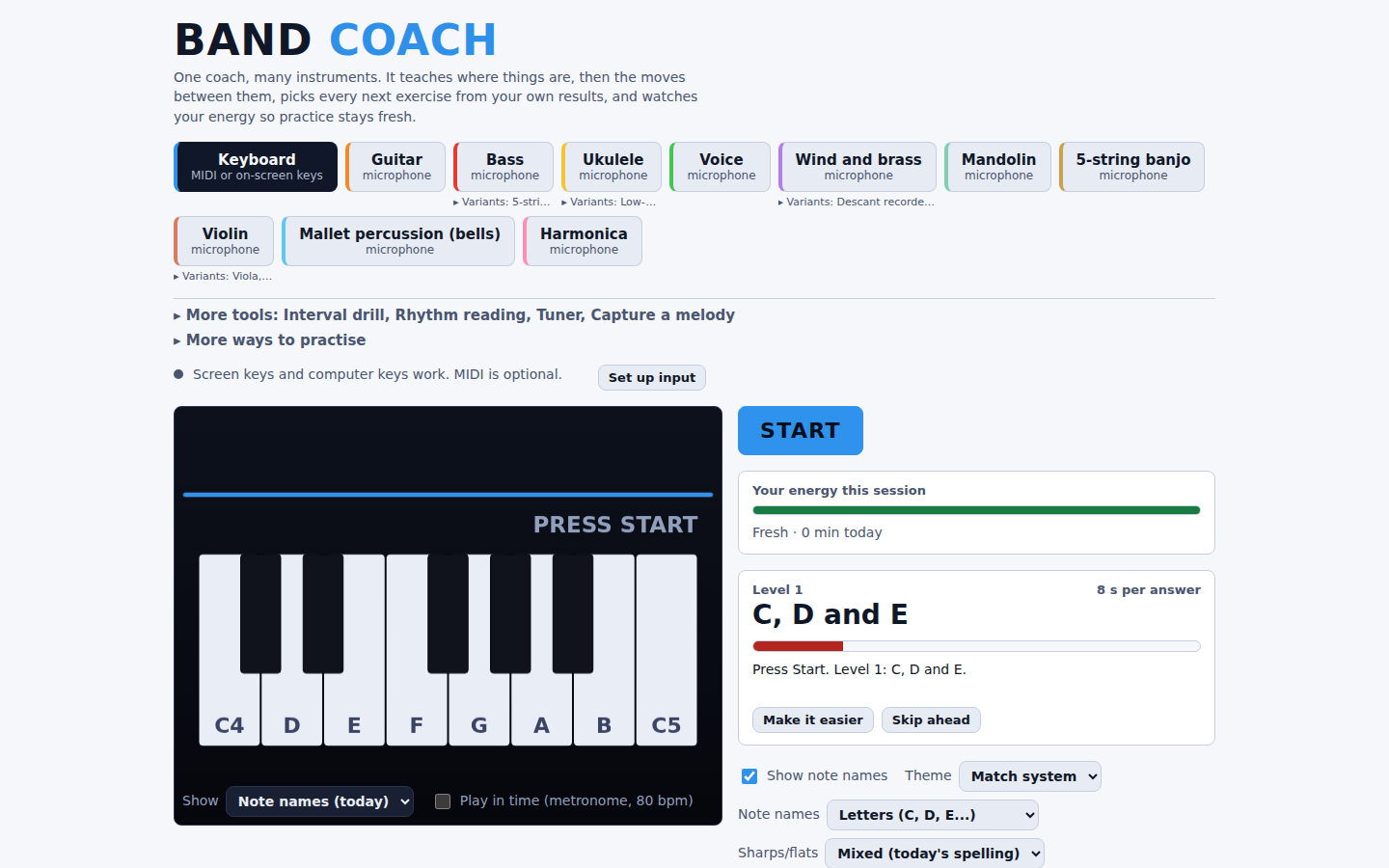
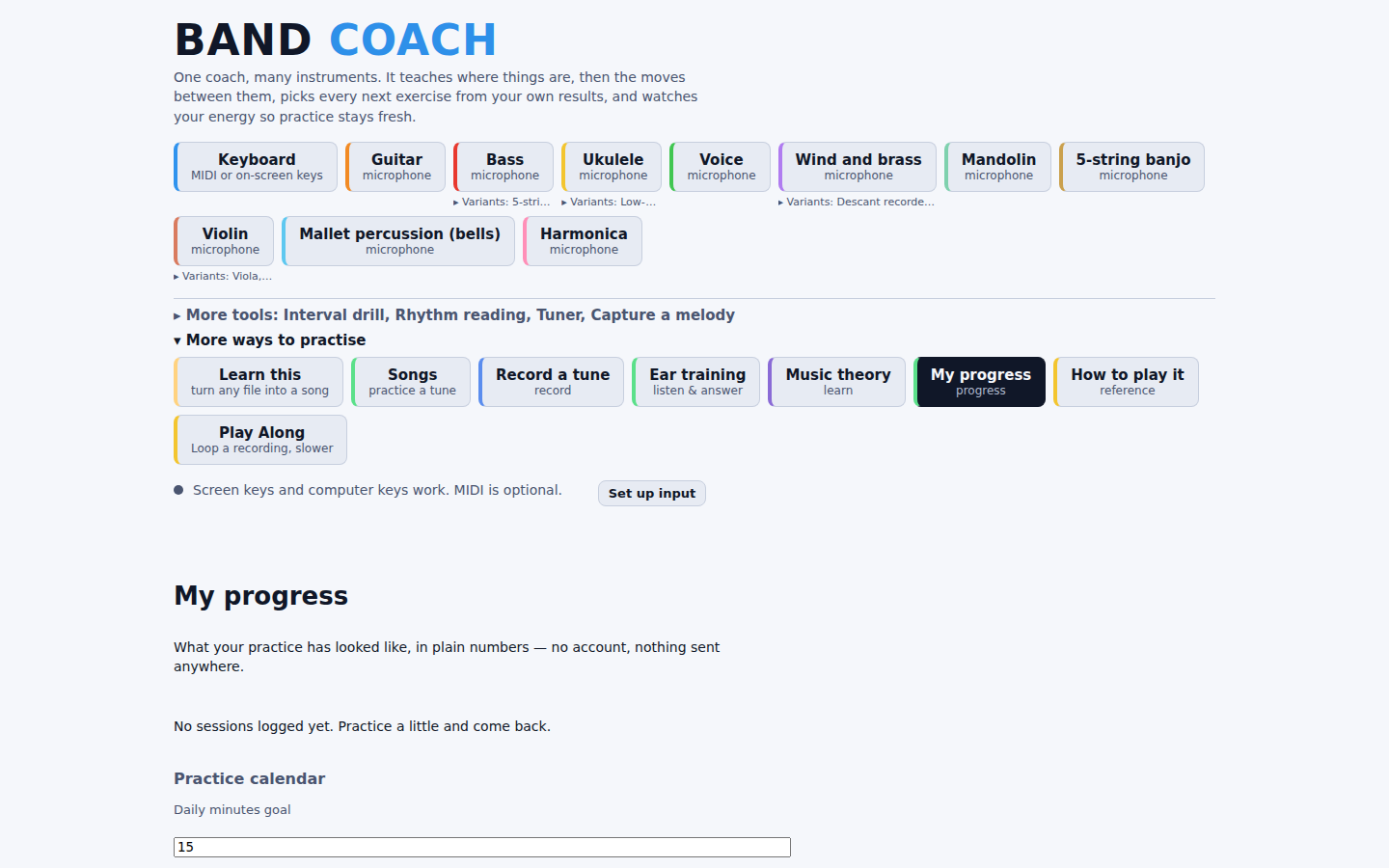
Pick an instrument and press Start. Band Coach gives you notes or short phrases to play, shows whether each answer was on pitch and on time, and updates a score for that note. The next exercise is the item with the largest need score (low knowledge, a weak move, or not seen lately), so the same results always give the same lesson. Knowledge fades if you stay away, so older material comes back. An energy meter tracks the session and suggests a break.
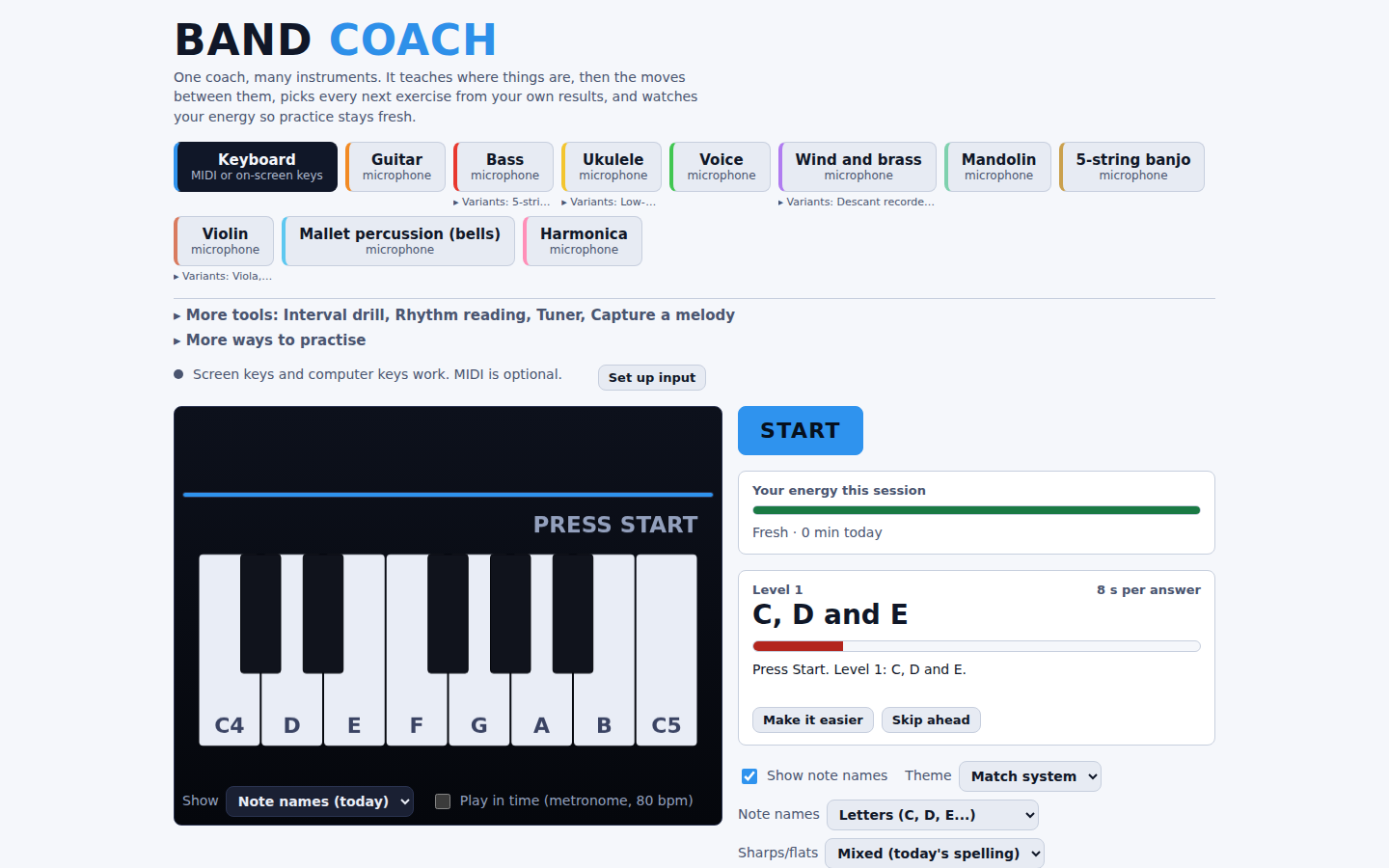
Songs are practiced the same way. Open a tune and it is split into graded steps on the instrument you are playing. My progress shows minutes, a practice calendar, a daily goal and a per-instrument breakdown.
Get it running
- Download
band-coach.htmlfrom the link above or the Get panel at the top of this page. - Open the file in Chrome or Edge. The app’s own MIDI message names those two browsers; without Web MIDI it still accepts screen keys and computer keys.
- Allow the microphone, or connect a MIDI keyboard. Keyboard uses MIDI, on-screen keys or computer keys; every other instrument listens through the microphone.
Progress is saved in the browser’s local storage, so a different browser or profile starts empty. Use “Save a backup” in the side rail’s “More options” to download band-coach-progress.json, and “Restore a backup” to load it again. “Check for updates” in the same menu asks the Band Coach website for the latest version number and sends nothing about your playing; it is the only network request in the release I checked (v1.9.0).
Instruments
Band Coach v1.9.0 has 26 instruments, each with its own graded levels:
- Keys and voice: Keyboard, Voice.
- Fretted: Guitar, Bass, 5-string bass, Ukulele, Baritone ukulele, Low-G ukulele, Mandolin, 5-string banjo.
- Bowed: Violin, Viola, Cello, Double bass.
- Wind and brass: Trumpet (B flat), Trombone, French horn (F), Clarinet (B flat), Alto sax (E flat), Tenor sax (B flat), Flute, Oboe, Descant recorder, Tin whistle (D).
- Other: Harmonica, Mallet percussion (bells).
Drums are not in Band Coach; the app points to a separate page, Kit Coach.
What it can’t hear
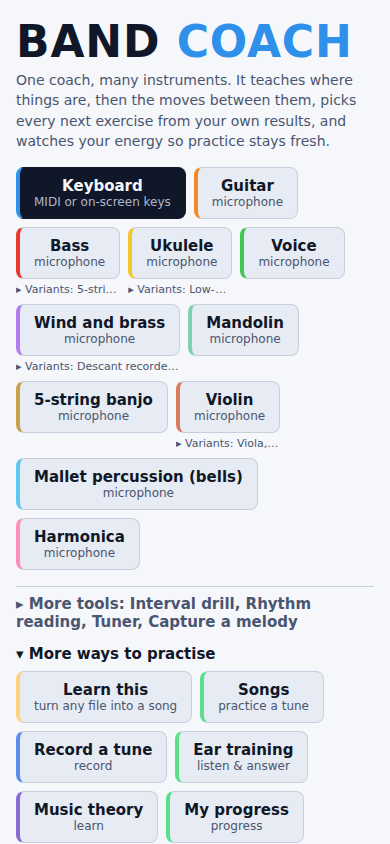
Band Coach hears pitch and timing. It cannot see posture, breath, bowing or hand position, so it does not replace a teacher. The trainer follows one note at a time, and the app marks chord listening as experimental. Record a tune has a “More than one note at a time” option for audio you transcribe. Microphone use on phones has not been confirmed; the screenshot below only shows that the layout fits a 390 px wide screen.
Instruments, file formats and tools
Import: a score (.mid, .midi, .abc, .xml, .musicxml, .mxl, .gp, .gp5), an audio file your browser can decode, a teacher’s .bandpack, or a saved .json. Guitar Pro support is limited to .gp5 (version 5.x) and .gp files.
Export: each song in the library exports as MIDI, MusicXML or ABC.
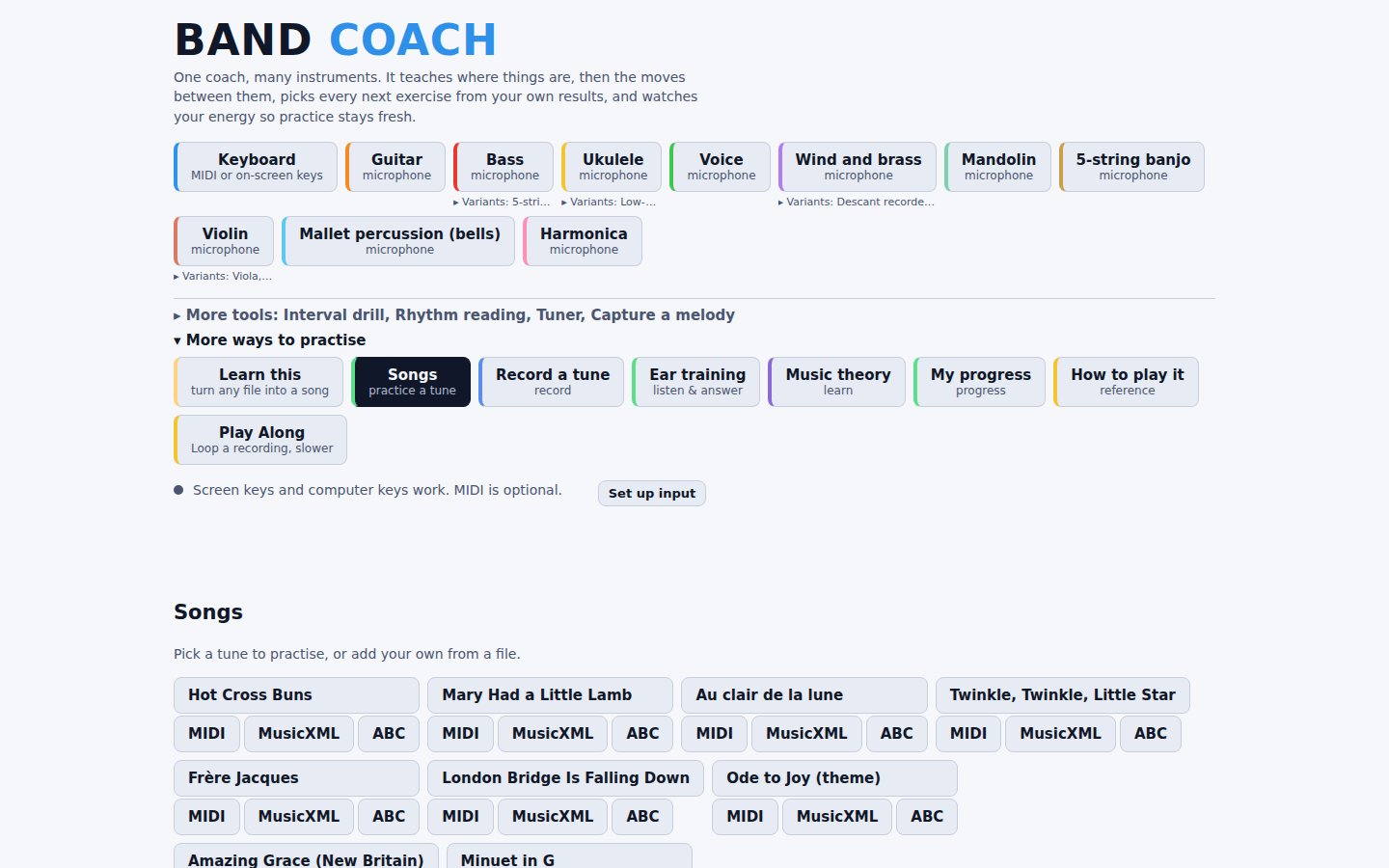
More tools (next to the instrument picker): Interval drill, Rhythm reading, Tuner and Capture a melody.
More ways to practise (each opens a panel below the trainer):
- Songs: practice a built-in tune or add your own.
- My progress: practice calendar, daily goal and results by instrument.
- Ear training: listening exercises with answer buttons.
- Music theory: lessons and a lookup for keys, scales and chords.
- How to play it: pick an instrument and note and see how to sound it.
- Record a tune and Learn this: turn a recording or score into a song to practice.
- Play Along: work with a song’s decoded recording.
Documentation
Band Coach’s documentation lives in its repository, next to the code it describes — the README is the manual.